

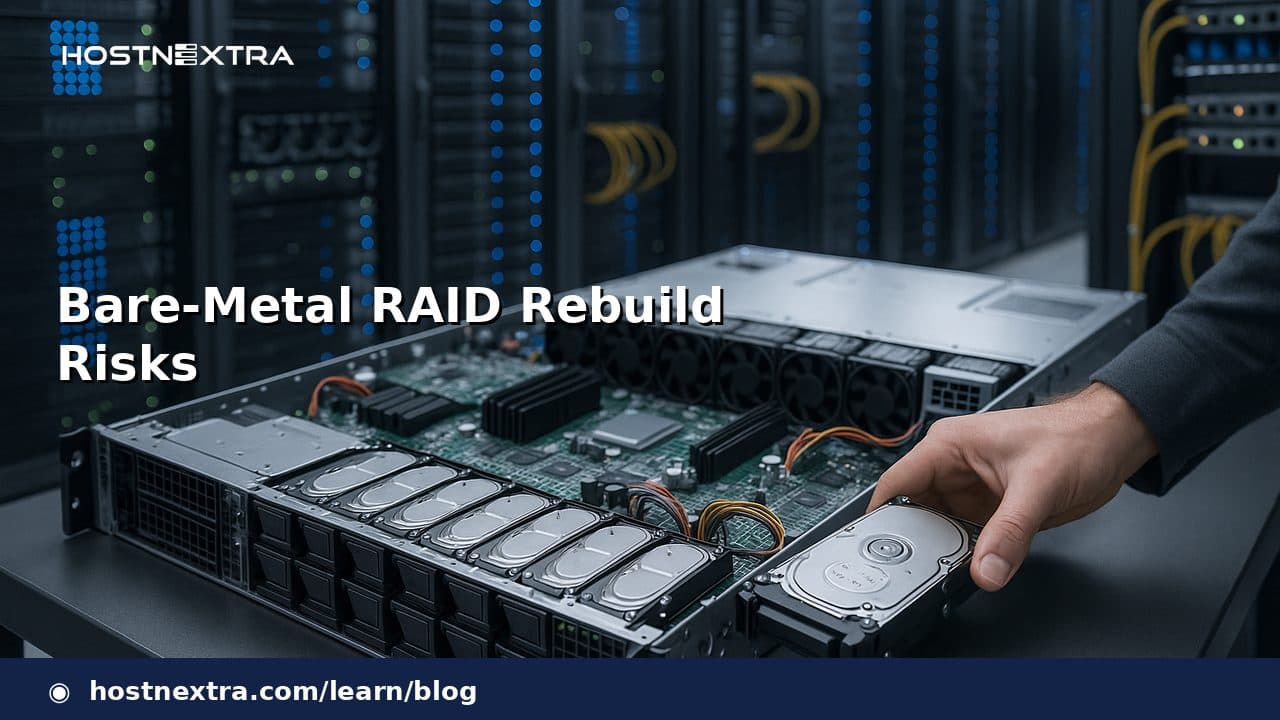
Bare-metal RAID rebuild risks are often underestimated because the array is still “online” while recovery is in progress. In practice, a rebuild is one of the most stressful periods in a dedicated server’s lifecycle: the surviving disks are doing extra work, latency can climb, and the system is operating with less fault tolerance than usual. For hosting providers, infrastructure engineers, sysadmins, and database operators, understanding those tradeoffs is essential before promising availability or making procurement decisions.
This article explains what a RAID rebuild actually does, why the risk profile is different on dedicated hardware, and how to evaluate rebuild exposure without assuming RAID is a substitute for backup. It is written for teams that manage production servers where service continuity, recovery time, and hardware selection all matter.
What a RAID Rebuild Really Does
A RAID rebuild is the process of restoring redundancy after a member disk has failed or been replaced. The controller or software layer must read the remaining disks, reconstruct the missing data, and write that data to the replacement drive. Depending on the RAID level, that reconstruction may involve parity calculations, mirrored copies, or both.
The important point is that a rebuild is not a passive maintenance task. It creates heavy read pressure on surviving drives and may generate sustained write activity on the replacement disk. The array is also working with reduced redundancy for the duration of the rebuild, which means another error during that window has a different consequence than it would under normal operation.
Why Bare-Metal Rebuilds Are Riskier Than They Look
Dedicated servers make rebuild risk more visible because the workload is concentrated on a single physical system. There is no abstraction layer to hide disk latency, no shared storage pool to absorb the interruption, and no automatic failover unless the architecture was designed for it. When one drive fails, the remaining hardware must carry the entire rebuild burden.
That burden is workload- and hardware-dependent. Large-capacity disks generally take longer to rebuild than smaller ones, but the actual duration also depends on controller behavior, filesystem activity, drive condition, and whether the server is busy serving databases or file traffic. In a quiet lab environment, a rebuild might complete relatively quickly; under production load, the same array can take much longer and remain exposed throughout.
For teams planning dedicated-server deployments, this is why rebuild policy belongs in the same conversation as architecture. If you are evaluating server layout for stateful systems, it is worth pairing this discussion with Why Dedicated Servers Win for Databases and Bare-Metal RAID for Databases.
Common Failure Modes During Rebuilds
The most obvious risk is a second drive failure. If another disk in the same array fails before redundancy is restored, the array may become degraded beyond the RAID level’s tolerance. The exact outcome depends on the topology, but the general lesson is consistent: the rebuild window is a period of elevated vulnerability.
Other common failure modes include:
- Read errors on surviving disks that surface only under rebuild-level stress.
- Controller faults or firmware issues triggered by sustained recovery activity.
- Timeouts and stalls caused by disks that are not fully dead but are no longer reliable under heavy load.
- Unexpected performance collapse that causes applications to behave as if the server is unhealthy even if the array remains technically online.
These are operational risks, not abstract ones. A system can appear stable until the rebuild begins, then reveal marginal disks, controller sensitivity, or insufficient cooling that never mattered under normal utilization.
Performance Impact and Customer-Side Symptoms
During rebuilds, customers typically notice increased latency first. Database queries slow down, web requests queue longer, and background jobs may exceed their usual execution windows. On busy servers, sustained rebuild activity can look like a partial outage even when the machine still responds.
Throughput can also become uneven. Surviving disks must serve both live traffic and reconstruction work, so the server may alternate between acceptable and degraded performance depending on queue depth and application patterns. Random I/O workloads often suffer more visibly than sequential workloads, but that is an operational pattern, not a guarantee.
From a provider perspective, this is where communication matters. If the array is rebuilding, customers should understand that redundancy has been reduced and performance may be materially affected. RAID is about resilience at the storage layer; it does not eliminate service impact.
RAID Level Differences: Why the Risk Profile Changes
The rebuild risk profile changes significantly by RAID level. Mirrored layouts usually reconstruct by copying from the surviving mirror, which can be simpler operationally, but they still carry the same core issue: the array is degraded until the copy completes. Parity-based layouts must calculate missing data from the remaining members, which can increase the amount of work during recovery.
For mixed workloads, the choice between layouts is not only about steady-state performance. It is also about how the system behaves when something goes wrong. A design that looks efficient on paper may impose a sharper rebuild penalty or a longer exposure window in production. For readers comparing storage strategies specifically for database workloads, RAID 10 vs ZFS for Databases provides additional context.
Operational estimates are more useful than universal claims here. A given RAID level does not have a fixed rebuild time or fixed failure probability; those outcomes depend on disk size, disk health, controller implementation, workload intensity, and how aggressively the system is being used while recovery is underway.
When Rebuild Risk Becomes a Business Risk
Rebuild risk becomes a business risk when recovery time collides with customer expectations, maintenance windows, or contractual uptime commitments. A provider may believe the array is “protected,” but if a rebuild turns into a prolonged performance event, the business impact can include support load, SLA exposure, delayed deployments, and customer churn.
For database operators, the cost is even more direct. Slow storage can extend replication lag, amplify checkpoint pressure, and increase the odds that an unrelated incident will cascade into an application problem. For procurement teams, the lesson is that disk redundancy, replacement process, and spare strategy should be evaluated as part of the server purchase, not as an afterthought.
This is also where the distinction between redundancy and backup must stay explicit. RAID can help keep a server running after a disk failure, but it does not protect against deletion, corruption, ransomware, bad migrations, or application-level mistakes. If the business depends on the data, backup verification and restore testing remain necessary. Related reading: Backup Restore Testing on Linux Dedicated Servers and Backup Verification on Ubuntu 26.04 and AlmaLinux 10.
How to Reduce Exposure Without Overpromising Safety
The goal is not to pretend rebuilds are safe; the goal is to reduce the operational blast radius. A realistic approach usually includes selecting hardware with predictable firmware behavior, using appropriately sized arrays for the workload, monitoring disk health aggressively, and keeping replacement parts or spare inventory aligned with the server fleet.
It also helps to think in terms of failure domains. If a single server hosts a critical dataset, then the rebuild process, the replacement workflow, and the recovery plan should all be documented and tested. That does not make the rebuild harmless, but it does make the response to a failure less improvisational.
Do not overpromise based on RAID alone. The safer statement is that RAID can improve availability after a disk failure, while the actual risk during rebuild remains workload-dependent and hardware-dependent. If the service is sensitive to latency spikes or prolonged degraded mode, architectural redundancy outside the array may be required.
What to Ask a Server Provider Before You Buy
Before purchasing a dedicated server for a production workload, ask questions that reveal how the provider treats rebuild risk in practice:
- What RAID levels are supported, and how are degraded arrays monitored?
- How are failed disks replaced, and what is the typical response time?
- Are spare drives kept on hand for the fleet?
- How are rebuild progress, disk health, and controller alerts surfaced to customers?
- What performance impact should be expected during rebuilds for the intended workload?
- Is there documentation for backup validation and recovery testing?
Those questions matter because they expose whether the provider understands bare-metal operating realities or is merely selling the idea of redundancy. For teams comparing procurement options, Why Dedicated Servers Win for Databases can help frame the broader operational tradeoffs.
Conclusion
Bare-metal RAID rebuilds are not just maintenance events; they are periods of elevated operational and data-loss risk. The array is degraded, surviving disks are stressed, and customer-visible performance can drop significantly depending on hardware and workload. The practical takeaway is simple: treat RAID as redundancy, not backup, and evaluate rebuild behavior as part of architecture, procurement, and recovery planning.