

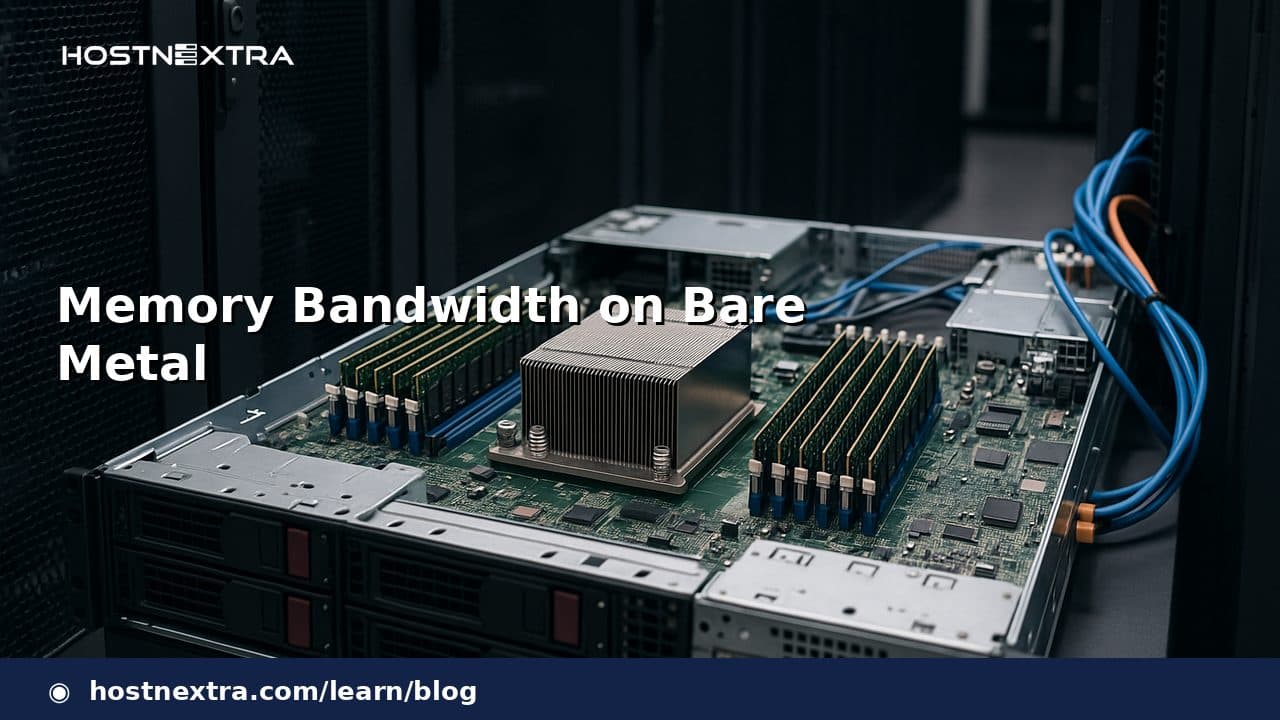
Memory bandwidth on bare metal is easy to overlook because buyers often focus on CPU core count and total RAM capacity first. That works until a workload is limited by how quickly data can move between memory and processor cores, not by how much memory the server has installed. For dedicated servers running databases, analytics, in-memory services, and high-throughput application tiers, bandwidth can be the difference between linear scaling and a machine that looks powerful on paper but stalls under load.
This article explains what memory bandwidth measures, why the bare-metal environment makes it especially important, and how to evaluate server specifications with real workload behavior in mind. The goal is to help buyers and operators make decisions based on throughput, locality, and system balance rather than capacity alone.
What Memory Bandwidth Actually Measures
Memory bandwidth is the rate at which the system can transfer data between RAM and the CPU complex. It is usually discussed as peak theoretical throughput, often expressed per channel and then summed across the memory subsystem. In practice, the number that matters is not the marketing maximum but the amount of data the platform can sustain when multiple cores are active and the workload is issuing real requests.
The distinction between theoretical memory bandwidth and observed application throughput matters. A server may advertise impressive memory speed, yet the application can still move less data if access patterns are irregular, cache behavior is poor, or the workload is constrained by another shared resource. In other words, bandwidth is a platform capability; throughput is the workload result.
Why Bare Metal Changes the Equation
On dedicated hardware, you are closer to the actual limits of the machine. There is no multi-tenant neighbor absorbing cycles, and no abstraction layer that hides a weak memory subsystem behind overcommit or noisy scheduling. That makes bare metal a better environment for bandwidth-sensitive software, but it also means the bottleneck is more visible when the server is under-provisioned in memory channels, DIMM population, or overall memory architecture.
For buyers evaluating dedicated servers, this is why comparing only CPU generations or RAM size can be misleading. Two systems with the same core count and the same 256 GB of RAM may behave very differently if one has fewer populated channels, lower supported transfer rates, or an architecture that places threads farther from the memory they use most.
If you are also comparing system balance at the platform level, it can be useful to read about Why Dedicated Servers Win for Databases and how architectural choices influence observed performance.
Common Workloads Sensitive to Memory Bandwidth
Memory-bandwidth pressure shows up most clearly in workloads that repeatedly scan, transform, or shuffle large data sets. Typical examples in dedicated-server environments include:
- OLAP and analytical databases performing scans, joins, aggregations, or sorts
- In-memory databases and caches that keep hot datasets resident in RAM
- Application servers handling large object graphs or serialization-heavy traffic
- Search and indexing systems that traverse large postings or feature sets
- Virtualization hosts running many busy guests with overlapping memory activity
- Data processing jobs that stream through arrays, columns, or batches
These workloads often scale until memory traffic saturates, then add cores without proportional gains. That is why a server with more CPU threads can still underperform a smaller but better-balanced machine.
How Memory Bandwidth Shows Up in Real Bottlenecks
The symptoms are usually practical rather than abstract. CPU utilization may plateau below expectations while latency rises. Adding threads increases contention but not throughput. Request latency becomes more variable under load, especially for operations that touch large data sets or many cache lines. In some cases, the machine appears compute-light because cores spend more time waiting on data than doing arithmetic.
One practical way to confirm a memory-bandwidth bottleneck is to compare workload symptoms against the hardware layout. If a dedicated server has ample CPU headroom but performance improves only modestly as cores are added, or if throughput rises less than expected when moving to a platform with more memory channels, memory bandwidth is a strong candidate. Reviewing per-core utilization, memory-channel population, and the shape of latency under load often reveals the mismatch without needing a lab-scale benchmark suite.
When benchmarking is relevant, compare metrics such as request throughput, tail latency, CPU utilization, and memory-related stall behavior rather than chasing a single synthetic score. The important question is whether the application can turn platform bandwidth into real work.
What to Look for in Server Specifications
Dedicated server specifications often advertise RAM capacity prominently, but the details that matter for memory bandwidth are more specific. Experienced buyers should review:
- Number of memory channels supported by the CPU platform
- DIMM population per channel and whether all channels are populated symmetrically
- Supported memory speed with the chosen CPU and DIMM configuration
- Whether the platform uses one or two sockets and how that affects locality
- Expected access pattern of the workload: streaming, random, or mixed
- Whether the server will be constrained by another shared internal bus
The last point is important because memory bandwidth is not the only internal limit. A workload that feeds many devices or moves a large amount of data through expansion cards may also run into PCIe constraints. If that sounds familiar, the discussion in PCIe Lane Bottlenecks in Dedicated Servers is a useful complement to memory planning.
Memory Bandwidth vs CPU Cores vs NUMA vs PCIe
Memory bandwidth, CPU cores, NUMA topology, and PCIe all shape the same basic outcome: how quickly a dedicated server can move useful data to where it is needed.
More CPU cores help only if the memory system can keep those cores supplied. NUMA complicates this because a core may access local memory much faster than remote memory, especially on dual-socket platforms. A machine with large aggregate bandwidth can still perform poorly if the application spreads threads and data unevenly across NUMA nodes. For latency-sensitive databases, this is why memory topology and CPU placement matter alongside raw capacity; see Bare-Metal NUMA Tuning for Databases and Bare-Metal CPU Pinning for Databases for the related architecture angle.
PCIe is different but adjacent. It does not deliver main memory bandwidth, yet devices attached through PCIe can compete for system resources and expose bottlenecks elsewhere in the platform. High-speed storage or accelerators can make memory traffic more visible, especially when the application stages data between NVMe and RAM. That is one reason dedicated-server architecture should be viewed as a whole, not as a stack of isolated spec lines.
When More RAM Does Not Mean Faster Performance
Adding RAM increases capacity, not necessarily bandwidth. A larger memory footprint helps only when the workload is capacity-bound or cache-hit rates improve enough to reduce expensive misses. If the bottleneck is the rate of data movement, a bigger pool of RAM may do nothing for throughput.
This distinction is common in production systems. A database may need more memory to hold indexes and working sets, yet performance may still depend on memory channels and locality. A processing service may benefit from more RAM because it avoids swapping or page pressure, but once the dataset fits comfortably, the limiting factor may still be how fast the CPU can access it.
In practical procurement terms, a server with less RAM but a better-balanced memory subsystem can outperform a larger machine that is poorly configured for bandwidth-heavy work.
Buying and Architecture Considerations
When evaluating dedicated servers for performance-sensitive workloads, treat memory bandwidth as a first-class specification, not an afterthought. The best purchase is usually the platform whose memory architecture matches the workload pattern most closely.
- Choose balanced channel population before maximizing capacity on a few DIMMs.
- Match socket count and NUMA complexity to the software’s locality behavior.
- Prefer platforms whose memory speed remains strong under the intended DIMM configuration.
- Validate that the CPU core count is proportional to the memory subsystem, not just impressive on its own.
- Consider storage and PCIe implications when the workload streams data heavily from NVMe or accelerators.
For storage-heavy dedicated servers, memory bandwidth should also be considered alongside the drive tier. A fast NVMe array can move data quickly enough to make the memory subsystem more visible, while slower storage may mask the issue entirely. If storage is part of the design discussion, NVMe vs SATA for Dedicated Servers can help frame the interaction.
Conclusion
Memory bandwidth on bare metal is a core performance variable, not a niche hardware detail. It determines how effectively a dedicated server can feed active cores, sustain database and analytics throughput, and keep latency under control when data movement is the real workload. Buyers and operators should evaluate channel count, topology, and expected access patterns alongside CPU cores and RAM capacity, because the fastest server is often the one with the best balance rather than the largest memory figure.